Read&Write (1 & 3 year subscription) licence
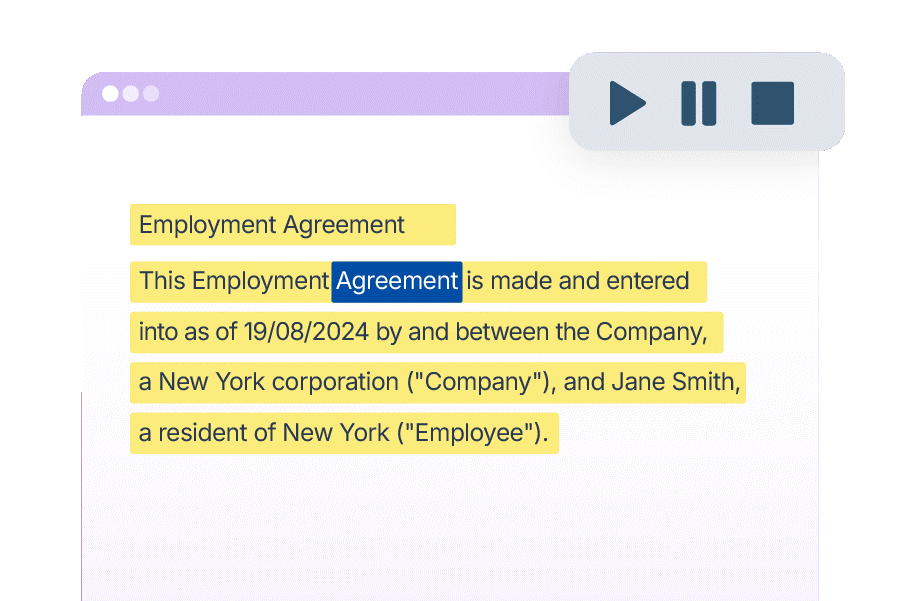
Effective text-to-speech solution
Read&Write Access to Work licence is an easy-to-use flexible toolbar containing support features to make reading, writing and research easier for you. The software has been designed to address some of the issues that people with dyslexia face daily, namely reading difficulties, writing difficulties, problems with spelling and general literacy support.
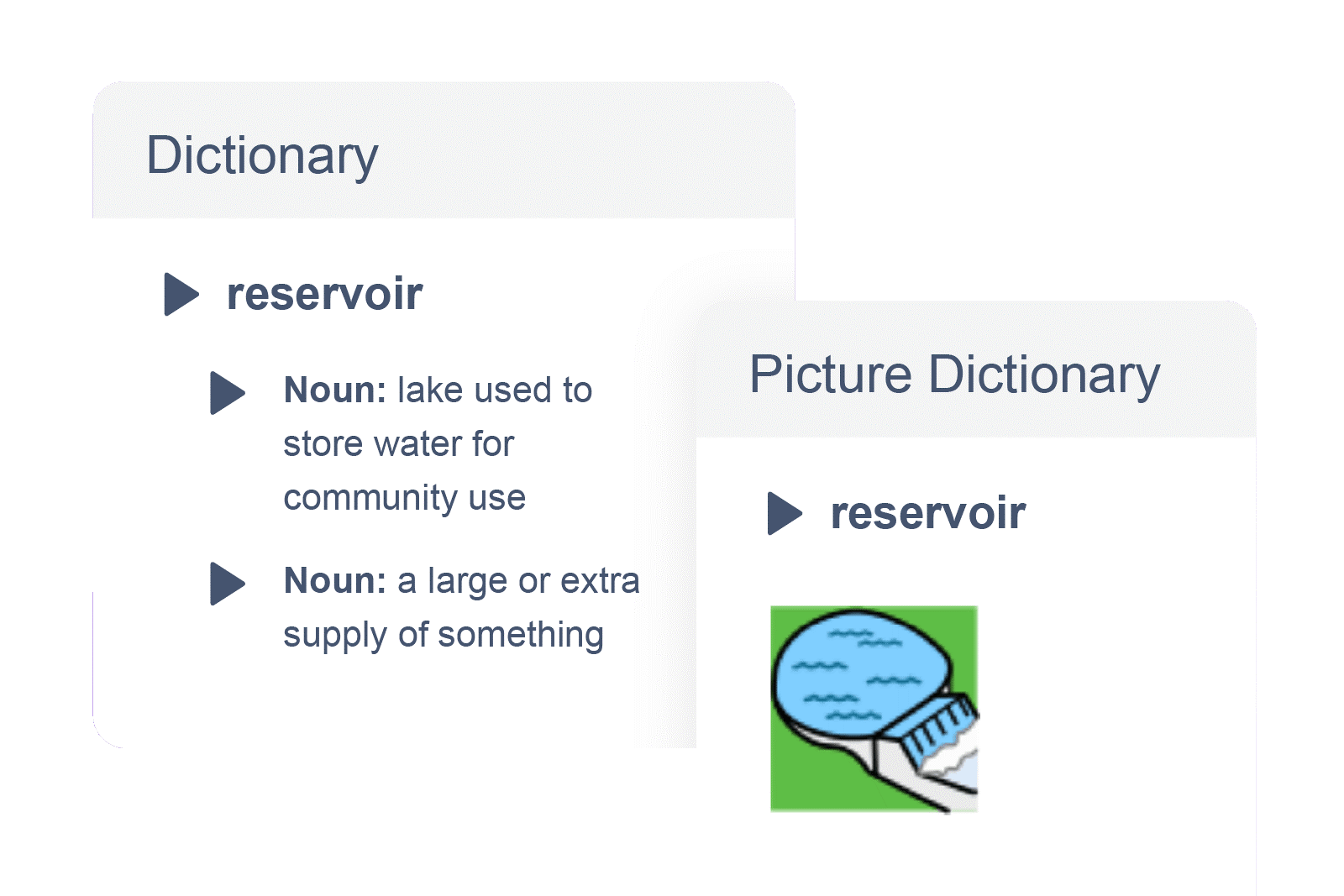
Dictionary and Similar Word Checker: Provides instant definitions and alternative word suggestions to support clear, consistent communication.
Simplify: Removes images, simplifies text, and alters fonts, spacing and layout on any webpage. *Available with Read&Write for Google only
Check It: Identifies spelling, grammar, and homophone errors to improve clarity and precision.
Autocorrect: Automatically fixes spelling mistakes as you type, learning from your common errors to give you personalised, seamless writing support.
Word Prediction: Suggests accurate words in real time, reducing typing effort and supporting written flow.
Voice Notes: Let teams collaborate naturally. Record and share quick voice comments in any document.
Dictation: Turn speech into text to help employees get ideas down faster with fewer keystrokes.
Rewordify: Simplifies complex text without changing its meaning, improving accessibility, and understanding. *Available with Read&Write for Google only
Collect Highlights: Colour-code, organize, and export research notes automatically with linked references.
Scan and Convert: Make paper documents and inaccessible PDFs fully searchable and editable.
Vocabulary List: Build personalized word banks to strengthen understanding and improve writing.
Audio Maker: Instantly converts documents into MP3 files for listening on the go.
Translation while speaking or typing: Translate your words instantly as you speak or type. This real-time support helps users communicate in the language they’re most comfortable with, making writing smoother and removing friction in multilingual conversations.
Product highlights
Cross-platform access
Works seamlessly on Windows, Mac, Chrome, Edge, Android, and iOS. Wherever employees work.
Customisable experience
Adjust colours, fonts, voices and toolbar settings to meet individual preferences.
Seamless integration
Works alongside everyday platforms like Microsoft 365, Google Workspace, and web browsers without disruption.
Currently available as a 1 or 3 year subscription license (also available as the ‘Access to Work’ edition).